
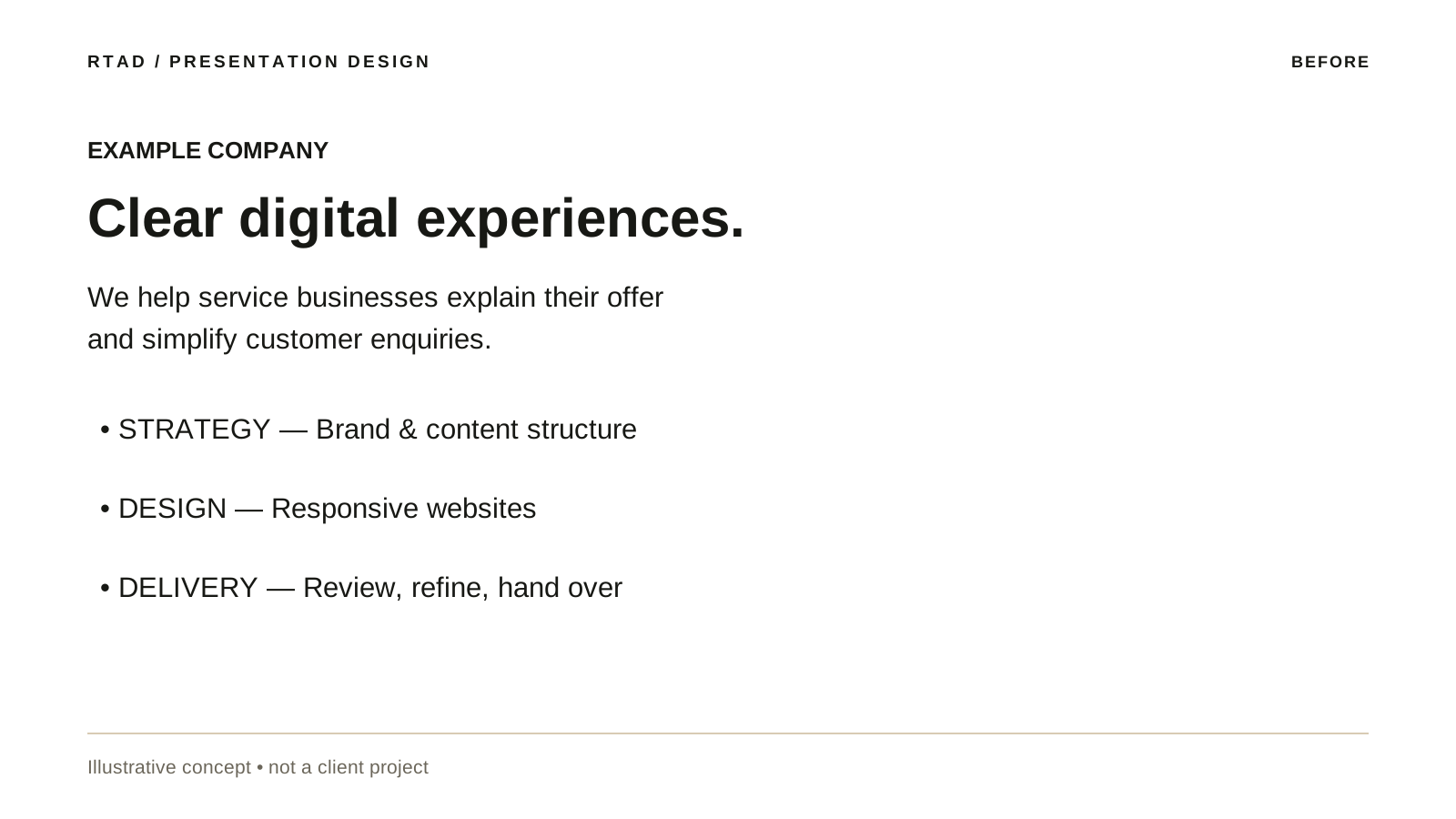
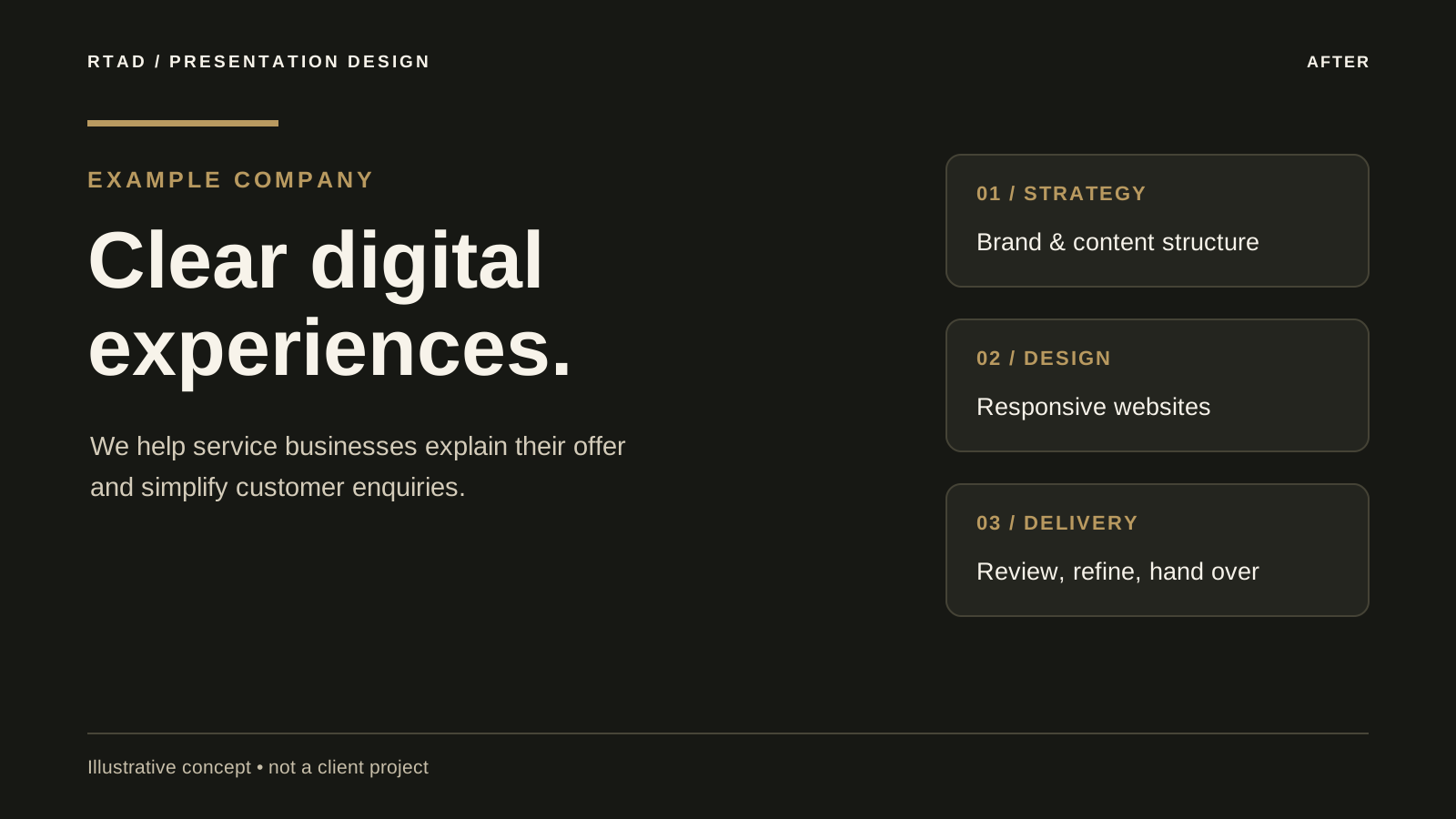
Company introduction
A focused headline and three distinct service blocks.
Organize your ideas into slides that make your message easier to follow. The design is based on the text, figures and images you supply.
Send your requirementsThree original design exercises show how the same content can become easier to scan through hierarchy, spacing and contrast. All examples and figures are illustrative; they are not commissioned client work or measured campaign results.
A focused headline and three distinct service blocks.
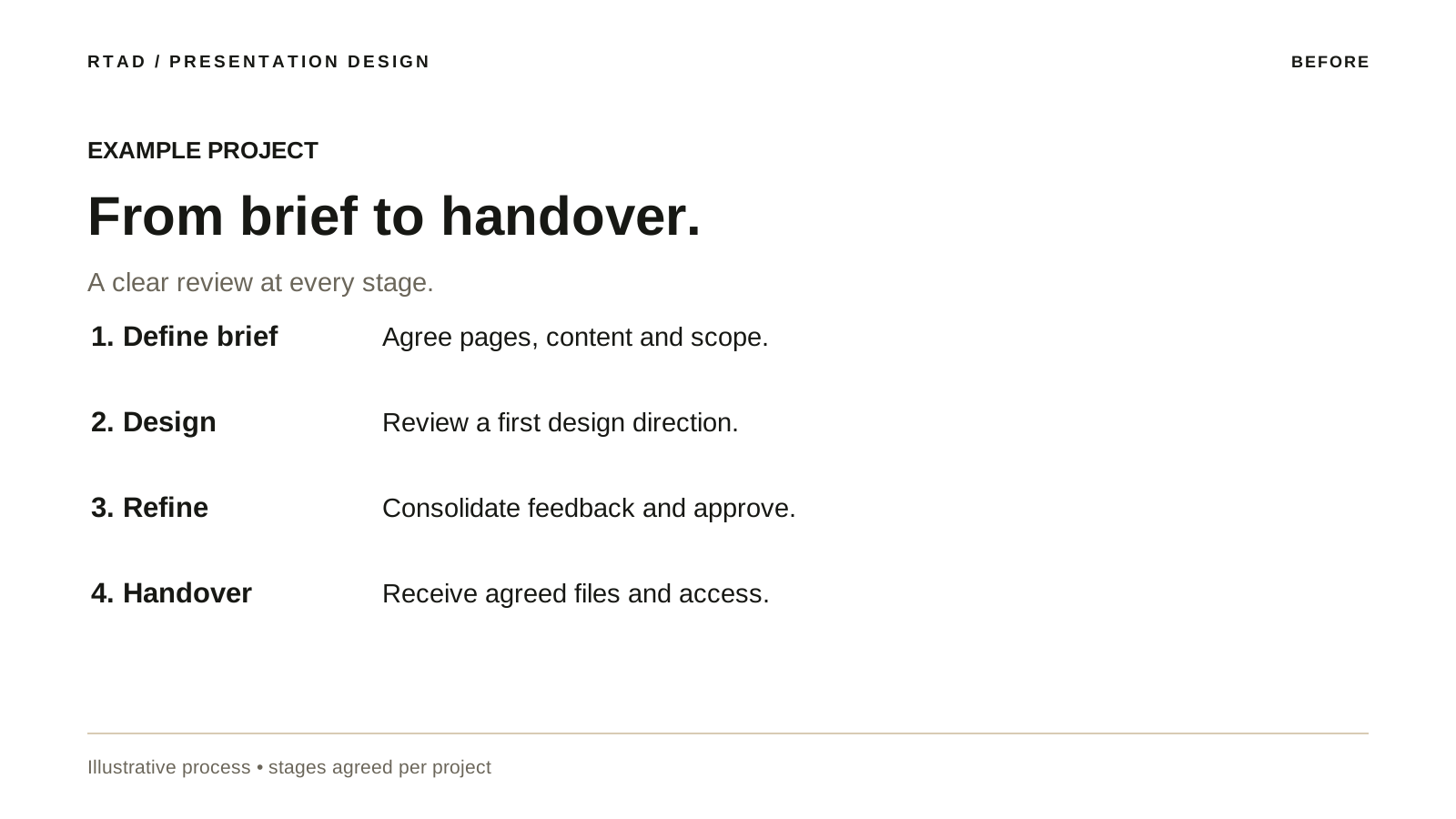
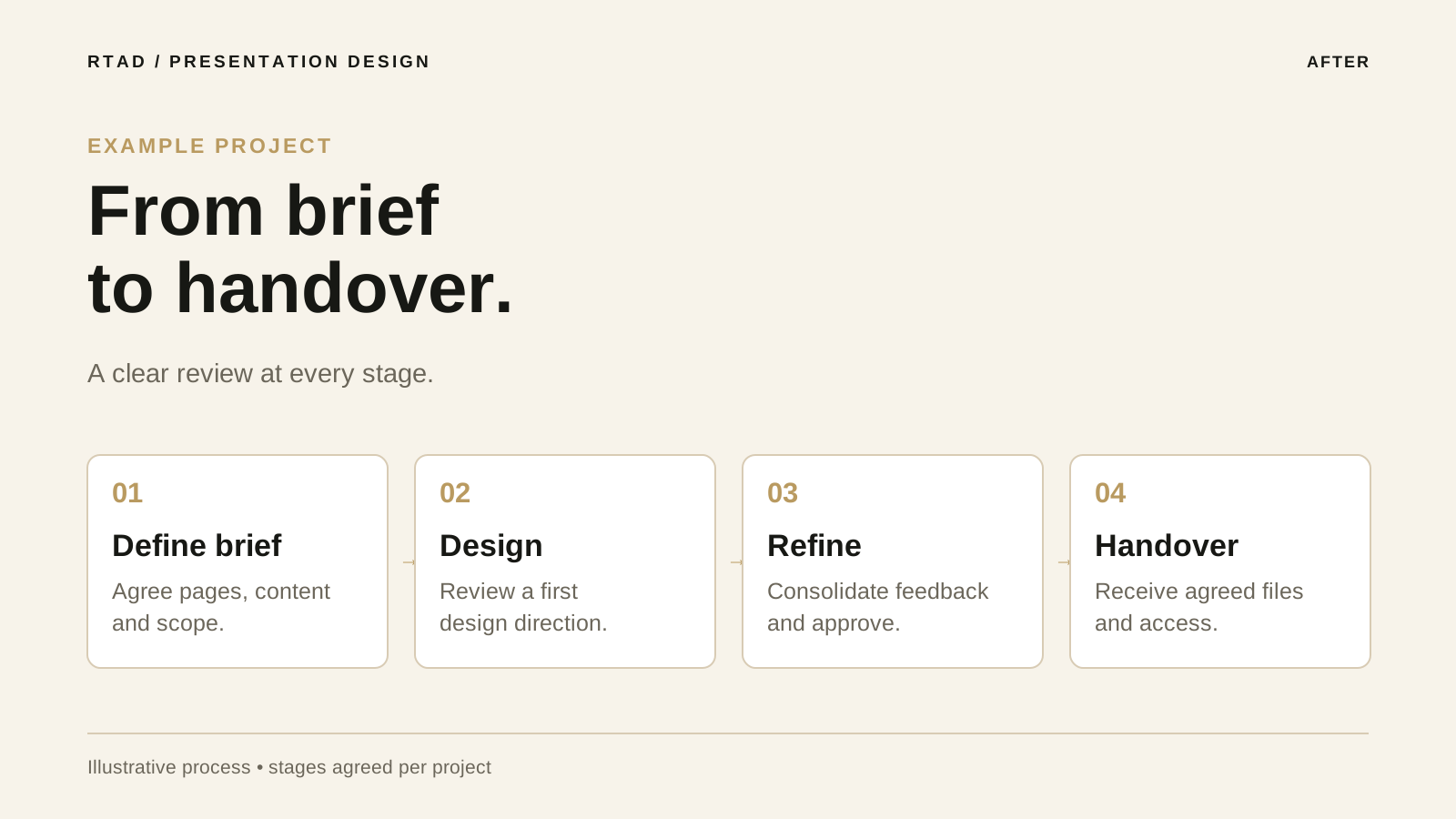
Four numbered stages, each with its own decision and output.
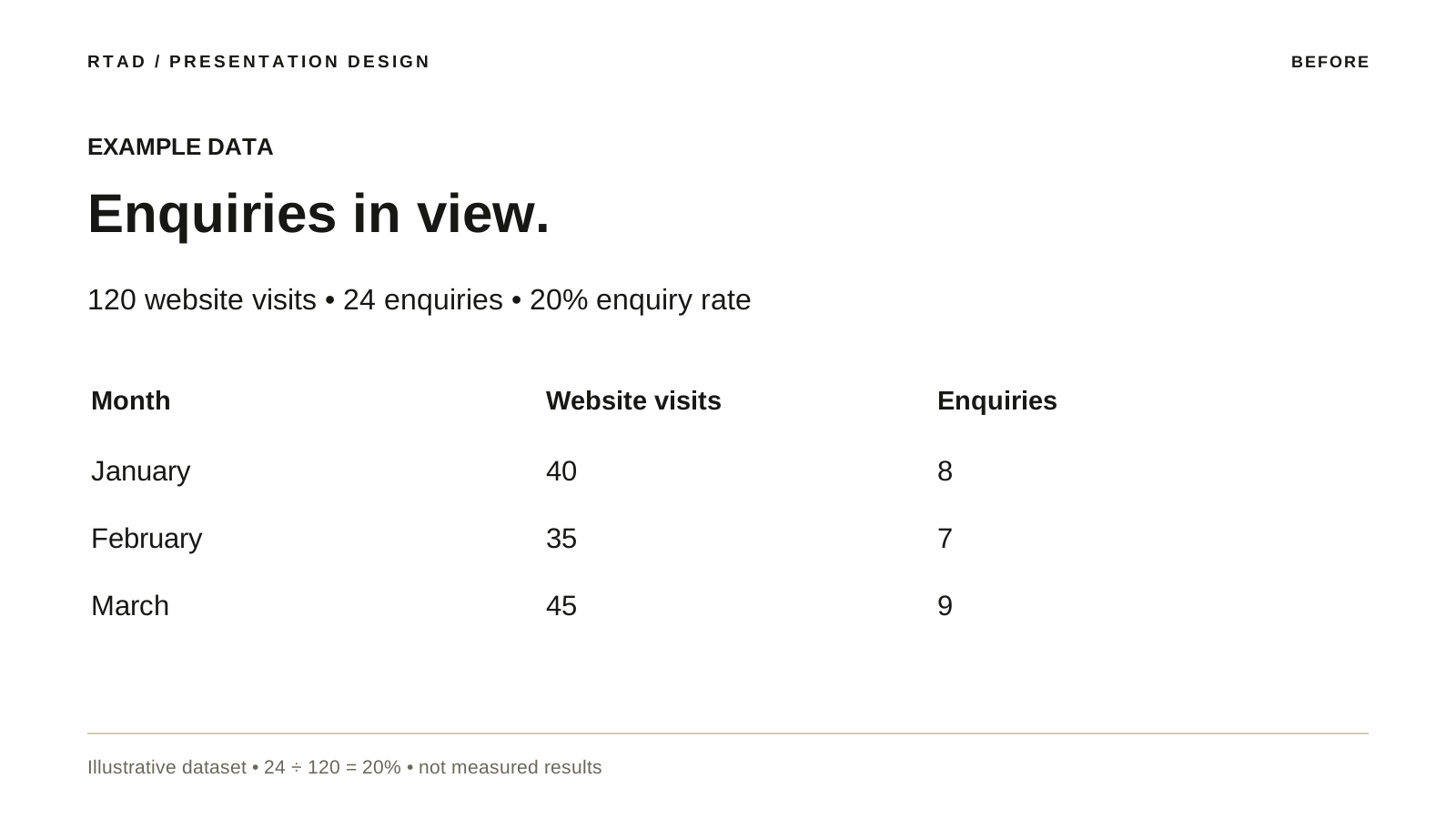
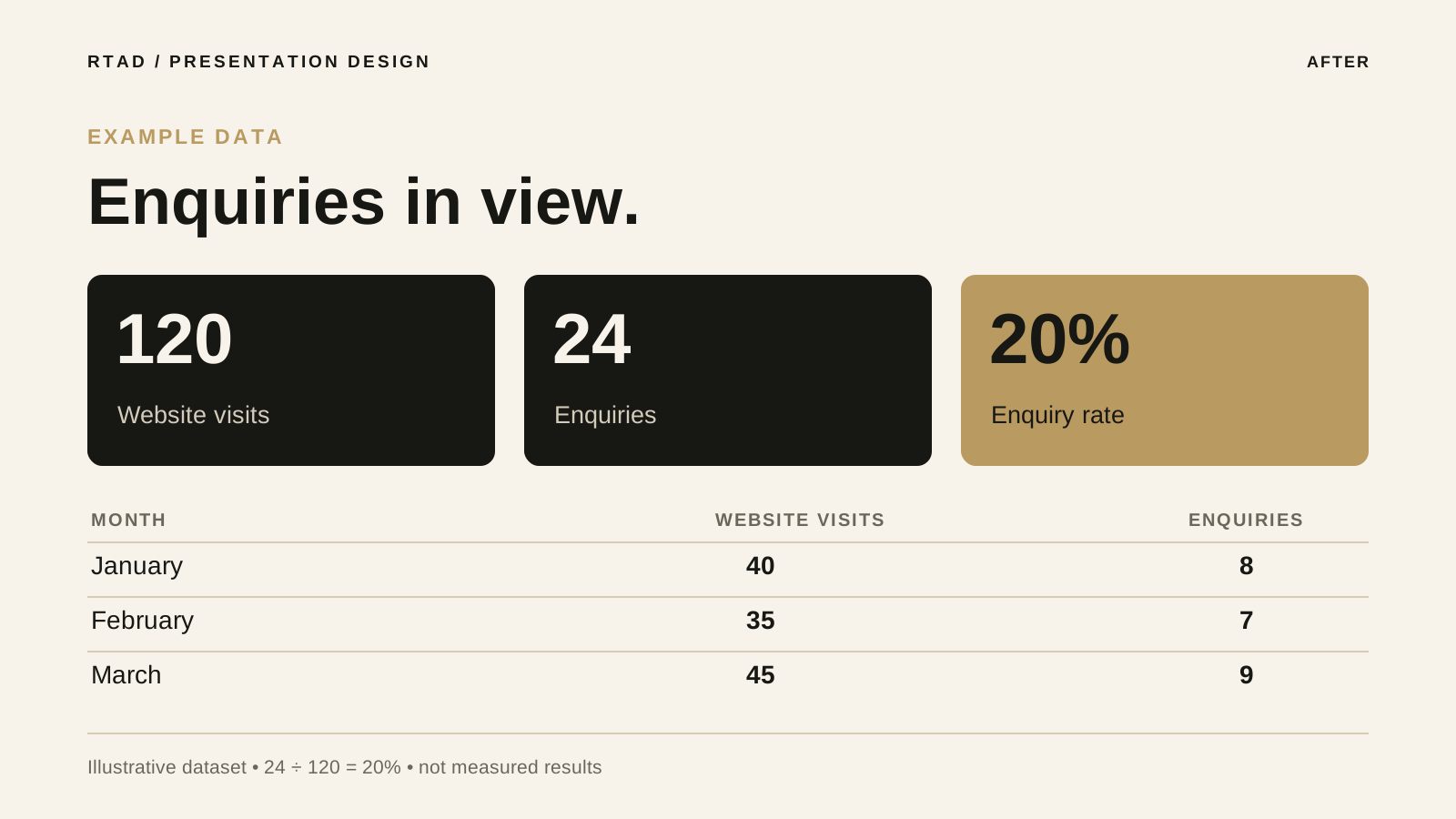
The same illustrative data displayed as headline figures and a comparison table. 24 enquiries ÷ 120 visits = 20%.
Arrange your prepared material into a clear sequence for the intended audience.
Use coherent typography, colors and hierarchy across the presentation.
Use charts and icons where they clarify your supplied data, without inventing figures.
Receive the editable format agreed before starting, together with a PDF for sharing.
A sales meeting, company introduction and management project review need different emphasis. Identify the decision or message you want to communicate and provide approved content for a sequence of up to ten slides.
| Decision | What to confirm |
|---|---|
| Purpose and audience | Meeting objective, core message and available presentation time. |
| Ready content | Copy, data, figure sources and images to include. |
| Presentation setup | Brand, language, slide aspect ratio and whether the file is presented live or circulated. |
| Files and feedback | The agreed application, editable format, PDF and two review rounds. |
Supply the original figures, units and period, and identify the message each chart should support. We select a suitable visual treatment for the supplied material and review the figures with you. Research, data collection and writing from scratch require additional scope.
Open the slides, fonts and charts in the agreed application, then review the sharing PDF. Animation, video and additional slides require prior agreement on scope and compatibility.
The package covers design and formatting of ready content. Research or new writing needs a separate scope.
Specify the software you need so the editable format can be agreed before starting.
Yes, subject to a separate agreement on scope and price before work.
Yes, using the software and editable format agreed before starting.
The date is confirmed after reviewing your content and requirements.
We provide a tailored quote. Confirm the invoicing currency, available payment method and delivery language with us before ordering.
Saudi-based RTAD delivers remotely. Choose a market to plan language, project scope, reviews and the quotation. Invoice currency and payment availability are confirmed before the agreement.
All countries ↗